
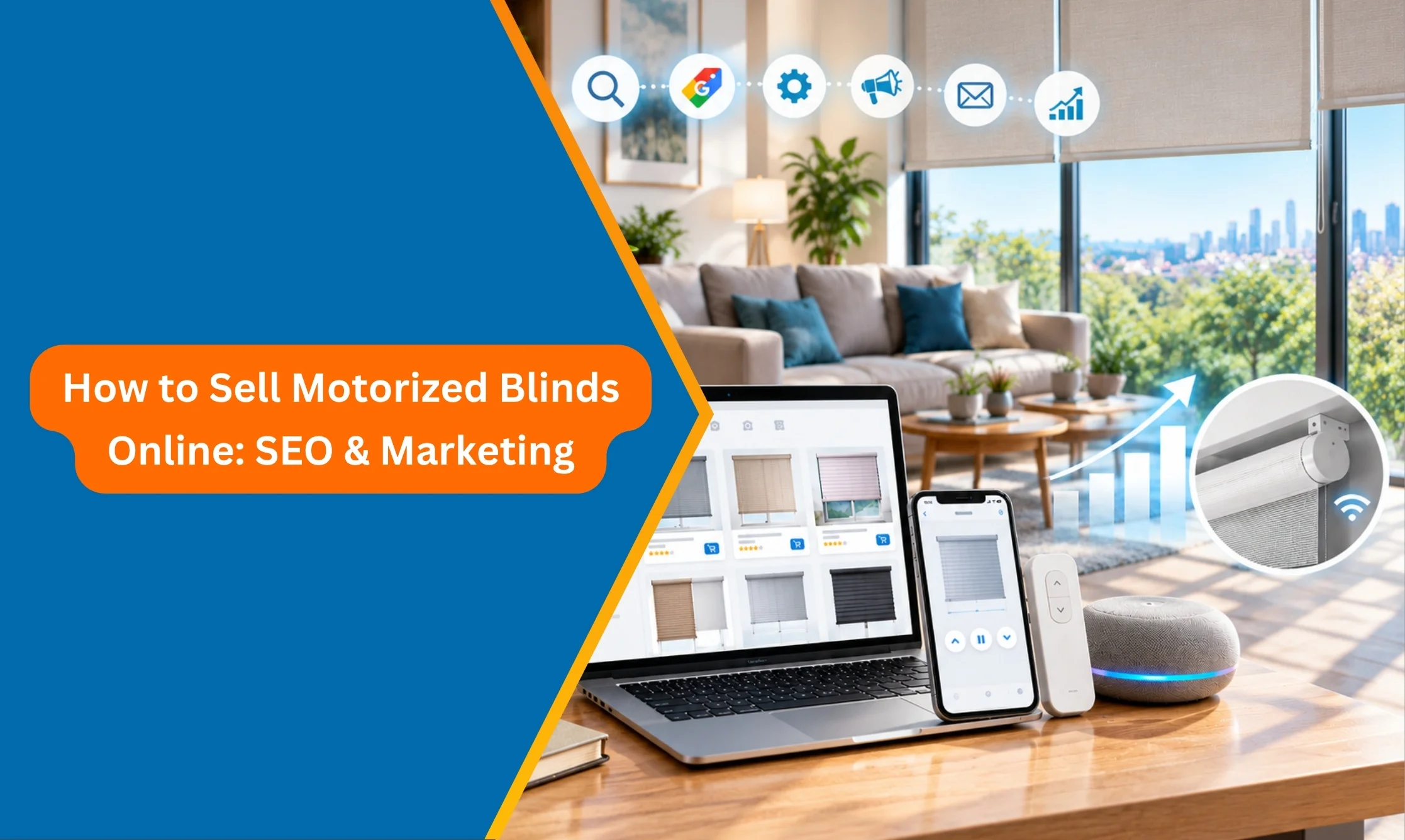
A lot of homeowners now start their search with motorized blinds. In the US that phrase gets around 18,100 searches a month, and smart blinds about 4,400, going by keyword research data. Still, plenty of blinds stores treat motorization as one checkbox on the product page. No page of its own. No ads. Nothing telling the shopper why it costs more.
What follows is a working plan for motorized blinds marketing, covering the platform, the pages, the ads, the product content and the follow-up emails. If the store itself needs fixing first, start with this overview of blinds and curtains website design and development, because none of the marketing below pays off on a slow or confusing site.

See How Our Experts Can Drive More Traffic to Your Website!
SEO: Boost your rankings and drive more organic traffic today!
Website Design/Development: Create a stunning website that converts visitors into customers.
Paid Media: Reach the right audience at the right time with expertly managed paid media.
Why Motorized and Smart Blinds Need Their Own Online Sales Plan
A motorized blind is a different purchase from a manual one, and people shop for it differently. They search with other words. They compare things a manual buyer never thinks about, like hub requirements or charge life. And they want more reassurance before spending the extra.
What Shoppers Search Before Buying Motorized Blinds
Most motorized searches land in a handful of buckets. The broad ones, “motorized blinds” and “motorized shades,” are far bigger than the rest and need strong category pages behind them. After that it gets specific: how the blind is powered, which smart home system it works with, what it costs, who installs it.
The specific searches have smaller numbers. The people behind them are a lot closer to buying, though. Someone typing “homekit blinds” has already decided on a smart blind; what they want to know is whether it’ll work with their iPhone. Whichever page answers that clearly tends to get the order.
Why One Generic Blinds Page Won’t Rank for Motorized Searches
Say your only page is “roller blinds,” with a motor option tucked into step four of the configurator. What does Google match that to when someone searches “motorized roller shades” or “solar powered blinds”? Not much. Shoppers have nowhere sensible to land either. Each search group above deserves its own page, with its own title and copy and only the products that actually fit.
Shopify, WooCommerce or Magento: Choosing a Platform for Motorized Blinds
All of this sits on your store platform. Manual blinds can get away with a fairly simple setup. Motorization can’t, really, because it adds pricing, add-ons and fit rules, and some platforms handle those easily while others need a lot of custom work.
What a Motorized Blinds Store Needs From Its Platform
Before you compare platforms, write down what your motorized range needs the store to do. For most stores the list looks something like this:
- A motor price added on top of the width and drop price. It may need to change with size, since bigger shades can call for a stronger motor
- Rules that stop someone picking a motor that won’t work with their fabric, size or mount
- Hubs, remotes, chargers and solar panels sold as add-ons in the same order
- Filters by power type and smart home platform, so compatibility pages pull from real product data
- Product data tidy enough for Google Shopping, with motorized items tagged on their own
- Motor warranty and fabric warranty shown separately
Shopify for Motorized Blinds
Shopify is quick to get live and easy for a small team to run, and connecting it to Google Shopping doesn’t take much. Pricing is where it gets awkward. Its standard variants weren’t built for made-to-measure, so width-and-drop pricing plus a motor upgrade normally means a configurator app or a custom build. For a smaller range an app is often fine. The monthly fees creep up, though, and detailed motor rules can outgrow what an app can do. Figuring out where that point is for your range is part of Shopify development for blinds and curtains stores.
WooCommerce for Motorized Blinds
With WooCommerce you control the pricing rules, surcharges and add-ons yourself, which helps when a motorized range has lots of options. It’ll also take extras like a separate sample checkout, or delivery dates that skip public holidays (the case study further down has both). The downside? Hosting, updates and speed are on you, so somebody has to look after it.
Magento for Large Motorized Ranges and Trade Pricing
Magento earns its cost on big catalogs, on stores selling to homeowners and trade buyers at the same time, and on businesses with more than one storefront. Customer-group pricing and complicated product rules are where it’s strongest. For Visor, a blinds retailer, Icecube Digital built on Magento 2 with a custom width and height pricing extension, and options that update without a page reload. It costs more to build and host, so for a small range it’s usually overkill. Stores at that size tend to begin with Magento development services to scope the build properly.
Quick Platform Comparison for Motorized Blinds
If you just want the short version:
| Platform | Motor upgrade pricing | Best fit | Watch out for |
|---|---|---|---|
| Shopify | Configurator app or custom build | Smaller ranges, fast launch | App fees, limits on complex motor rules |
| WooCommerce | Custom pricing rules and plugins | Stores wanting full control on a moderate budget | Hosting, updates and speed are on you |
| Magento | Custom extensions and pricing logic | Large catalogs, trade and wholesale pricing | Higher build and hosting costs |
SEO for Motorized Blinds: Pages That Match How People Search
Motorized SEO works best as a small cluster of pages that link to one another, each one built to answer one type of search properly.
Motorized Blinds and Motorized Shades Category Pages
Start with one main motorized category holding every motorized product you sell. Under it, add sub-categories by type, such as motorized roller shades or motorized cellular shades. Each one needs a real introduction, not two lines: what’s in the range, how it’s powered, which smart home systems it works with. And use both “blinds” and “shades” on the page. US shoppers say both, and they search for both.
Smart Home Landing Pages for HomeKit, Google Home, Alexa and Matter
Give each ecosystem you support its own page. A homekit blinds page should list only products that work with Apple Home, say exactly what’s needed to set them up (does it need a hub or bridge, for instance?) and answer the obvious follow-up questions. Then repeat that for google home blinds, alexa compatible blinds and matter blinds. A few of these get small search numbers. That’s fine. The people searching them are close to buying, and these pages are usually much easier to rank than the big category terms.
Solar Powered and Rechargeable Motorized Blinds Pages
The other way people narrow things down is power. A solar powered blinds page and a rechargeable motorized blinds page can each rank on their own, and they give product pages somewhere useful to link. Actual prices depend on your suppliers, but this is roughly how the four usual power options compare, and it’s worth putting on those pages:
| Power option | Upfront cost (relative) | Installation | Ongoing upkeep | Best for |
|---|---|---|---|---|
| Battery (replaceable) | Lowest | DIY, no wiring | Battery changes | Renters, single windows, tighter budgets |
| Rechargeable battery | Low to medium | DIY, no wiring | Recharging every so often | Most homes and most windows |
| Solar powered | Medium | DIY, needs a sunny window | Very little | Sunny or hard-to-reach windows |
| Hardwired | Highest | Electrician needed | None | New builds, renovations, large or heavy shades |
Content That Answers “Are Motorized Blinds Worth It?” and Cost Questions
Some visitors aren’t ready yet. Guides on are motorized blinds worth it, motorized blinds cost and motorized blinds installation reach them earlier and send them on to the right category with a clear link. Be honest in those answers. If a guide admits a manual blind is perfectly fine for a small bathroom window, readers are more likely to believe it when it says motorization makes sense for a two-story wall of glass.
Paid Ads That Sell Motorized and Smart Blinds
SEO is slow to build. Ads can send motorized traffic from the first day, provided the pages they point to actually convert.
Google Shopping Feeds for Made-to-Measure Motorized Products
Shopping ads want one price per product. A made-to-measure blind has a different price at every size, so that’s a problem. Most stores handle it by listing a standard starting size and making sure that exact price shows on the landing page when that size is chosen. Product titles should carry the selling points, something like “Motorized Blackout Roller Shade, Works With Alexa and Google Home,” not a supplier code. And tag motorized products separately in the feed. That way they get their own budget, and you can see how they’re doing by themselves.
Search Campaigns Built Around Compatibility and Power Terms
Head terms like “motorized blinds” are pricey and crowded. Better value usually sits in the specific searches, whether that’s compatibility (“homekit blinds”), power (“solar powered blinds”) or product type (“motorized roller shades”). Put each group in its own ad group, write ads that repeat the exact feature in the search and point each one at the matching landing page. One more thing: add negative keywords for what you can’t serve. If you don’t sell repairs or replacement parts, block those searches.
Video and Social Ads That Show the Blind Moving
Nothing sells a motorized blind like watching it move. Short vertical clips of a blind lifting at sunrise, closing on a voice command or running on a schedule make good social and video ads. They work for retargeting too, on people who looked at a motorized page and left. If your team doesn’t have time to run search, shopping and social together, PPC management for blinds stores can take that work off your hands while you focus on the range.
Product Pages That Turn Motorized Traffic Into Orders
Every bit of that traffic ends up on a product page, and motorized shoppers turn up with more questions than most.
Specs, Power and Warranty Details Shoppers Compare
Put the comparison details near the top. Power type, roughly how quiet the motor is, how long a charge lasts in normal use, which apps and voice assistants it works with, whether it needs a hub. Use the figures your supplier publishes, and say that battery life depends on blind size and how often it’s used. Show the motor warranty separately from the fabric warranty, too. They’re rarely the same.
Demo Videos, App Walkthroughs and Voice Clips
Want to answer the noise question? A ten-second clip of the blind opening, sound on, does it better than any spec sheet. Add a quick screen recording of the app setting a schedule, plus a clip of a voice command working. Then keep the videos near the add-to-cart button. Hidden in a tab, most people won’t find them.
Cordless Safety Messaging That Stays Accurate
There are no pull cords on a motorized blind, and parents and grandparents care about that. It’s a fair selling point. Keep the wording accurate, though, and in line with current window covering safety standards, which do get revised. Check what they say now before you put a specific safety claim on a product page.
Upselling Motorization in the Blinds Configurator
On a made-to-measure store, the configurator is the spot where a manual order turns into a motorized one. Or doesn’t.
Placing the Motor Step and Showing the Price Clearly
Ask about controls after size and fabric, when the customer already likes the blind. Show manual and motorized side by side. Describe motorized by what it does for them, and make the price difference visible before they pick. Does the motor need more recess depth, or power on one particular side? The configurator should check that right there. Getting this step right is part of blinds product configurator development, because the motor choice changes the price, the fit rules and the production sheet.
Motor, Hub, Remote and Whole-Room Bundles
If a motor needs a hub to work with a voice assistant, sell them together and say why. A motor, hub and remote bundle priced a bit below the three bought separately takes out a step, and a common reason for returns with it. Let customers set up several windows in one go as well. Hardly anyone motorizes a single window, and a whole-room price turns five decisions into one.
Email Follow-Up That Brings Motorized Buyers Back
Motorized blinds take some thinking about, so lots of shoppers leave before they buy. Email keeps you in the picture.
- Unfinished configurations: someone saved or abandoned a motorized setup? Send it back with the exact options they chose and a short clip of that blind working.
- Setup help after delivery: a few short emails with pairing guides for their motor and smart home platform. Fewer support calls, and a better shot at a good review.
- Upgrades for manual blind customers: past customers with manual blinds are the easiest motorization sale you’ll get. They trust you already, and they know their window sizes.
Tracking What Sells: Measuring Motorized Blinds Revenue
Overall sales won’t tell you much about motorization by itself. These numbers will:
- Motor attach rate: how many orders include a motor. If it climbs after a configurator or product page change, that change worked.
- Landing page performance: which category, compatibility and power pages bring in visitors who go on to order.
- Ads by product group: return on ad spend for motorized products alone, split by power type or compatibility if you can.
- Search terms: the real searches triggering your ads. They often point to new pages worth building.
How Icecube Digital Built a Better Store for a Motorized Blinds Retailer
Motorised Blinds is a UK retailer of made-to-measure window blinds. Icecube Digital moved its store to WooCommerce, migrated its data across and built a custom theme from scratch for fast load times. Then came the features a made-to-measure store relies on every day:
- Faster search and category filters set up around how customers browse the range
- A separate sample cart with its own checkout, so swatch requests don’t get mixed up with full orders
- Sizes accepted in millimeters, centimeters or inches, converted to millimeters behind the scenes so pricing always works from one unit
- Live pricing that handles surcharges, discounts, and separate retail and wholesale prices
- A side cart for add-ons such as Measure Safe and screw packs, offered right after a blind is chosen
- Delivery estimates that skip weekends and public holidays
- Price updates pulled from a shared Google Sheet, so nobody has to edit prices product by product in the backend
- CDN, caching and a firewall to keep the store fast and secure
Clear filters, live pricing that’s always right and add-ons offered the moment someone picks a blind: a motorized and smart blinds range needs exactly those to sell well. If your store runs on WooCommerce, that’s the kind of project covered by WooCommerce development for blinds and curtains stores.
Conclusion
Motorized and smart blinds do best for stores that treat them as a category in their own right. That means a platform that can price a motor properly, pages for the way people search, ads that match those searches, product pages that answer the technical questions, a configurator that makes the upgrade easy and emails that follow up. When those pieces work together, motorization stops being a hidden option and starts earning its share of sales.
Icecube Digital works with blinds and curtains businesses on all of it, from store builds and configurators through to SEO and paid ads. Contact Icecube Digital to plan how to sell more motorized and smart blinds online.
Frequently Asked Questions
How long does SEO take to bring traffic to new motorized blinds pages?
It depends on competition and how established your site already is. Smaller compatibility and power pages can start pulling in visitors within a few months. Big category terms like “motorized blinds” take longer, and they need solid content and links behind them.
Should a store bid on "motorized blinds" in Google Ads when large retailers dominate it?
You can. It’s rarely the best starting point, though. Specific searches usually cost less and convert better, so begin there and test the head term later on a capped budget, once your landing pages and tracking have proven themselves.
Which matters more for motorized blinds, SEO or paid ads?
They do different jobs. Ads bring visitors fast and show you which terms and products convert. SEO builds traffic that keeps arriving without a cost per click. Most stores run ads first while their SEO pages climb.
Can showrooms use these tactics to sell motorized blinds locally?
Yes, and they have something online stores don’t: people can see the blinds working. Add local pages and Google Business Profile posts featuring motorized demos, and target searches that include a city name or “near me.” An invitation to try motorized blinds in person is a good reason to visit.
Should motorized blinds be promoted as an energy-saving product?
With care. Setting blinds to close on hot afternoons can help keep rooms cooler. Unless your supplier publishes tested data, though, skip specific savings figures and describe what the blinds do instead.
How should reviews be collected for motorized products?
Ask a few weeks after delivery, once people have lived with the motor and app for a while. Nudge them to mention setup, noise and how they control the blinds day to day, since those are exactly the things future shoppers ask about.
When is the best time of year to promote motorized blinds?
A lot of stores push harder before summer, when sun and heat make automated shading more appealing, and again around holiday gifting for smart home products. Your own sales history and search trends will show the real peaks for your market.
Do smart home compatibility pages need updating as platforms change?
Yes. Smart home platforms and motor firmware change fairly often, so check compatibility pages every few months and whenever a supplier announces an update. Old compatibility claims lead to returns and bad reviews.

About the author
Nitin D
Digital Marketing Manager
Nitin is the Digital Marketing Manager at Icecube Digital. He has helped many organizations grow their business online and improve sales through effective SEO, PPC and content marketing strategies built around measurable results.