
Why Magento Security Is a Bigger Concern in 2026
Most breaches follow one pattern. CosmicSting (CVE-2024-34102) hit around 75% of Magento stores in 2024, and though a free patch shipped immediately, more than 4,000 stores were still compromised. With SessionReaper (CVE-2025-54236) in 2025, Sansec found that six weeks after the fix only 38% of stores had installed it, and 16% to 18% already had a backdoor.
Two changes have made this harder to stay on top of.
Adobe now releases patches monthly. Since January 2026, fixes ship roughly every month instead of quarterly. APSB26-92, published August 11, 2026, fixed seven vulnerabilities, including CVE-2026-71362, which let an attacker take over a customer account without logging in. Live attacks were reported the next day.
Two versions lost support in August 2026. Magento Open Source 2.4.5 and 2.4.6 reached the end of support on August 11, 2026. Extended support exists for Adobe Commerce license holders but not Open Source stores, so there is no paid way to buy time.
The cost is not theoretical. IBM’s 2025 breach report put the average US breach at $10.22 million, with 181 days passing before detection.
Magento Security Checklist Summary (2026)
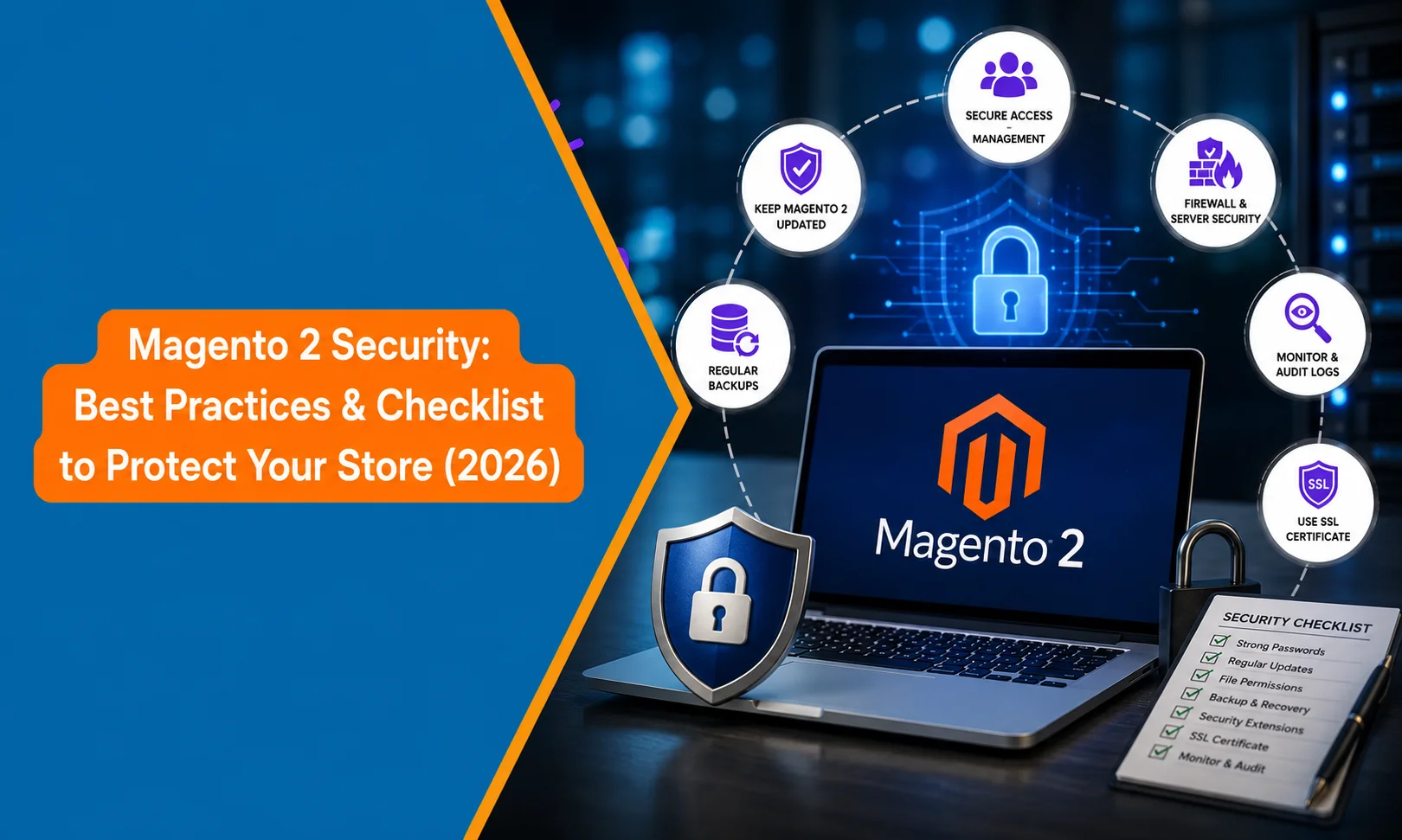
Here is an overview of the eight areas this Magento security checklist covers.
| Security Area | Effort | Risk If Ignored |
|---|---|---|
| Security patches and version updates | Ongoing, monthly | Critical |
| Admin panel settings | One-time setup | Critical |
| Extension and module vetting | Per install, quarterly review | High |
| Encryption key management | One-time, annual rotation | High |
| Server and hosting configuration | One-time setup | High |
| PCI DSS compliance | One-time, quarterly review | Critical |
| Malware detection and monitoring | Ongoing | High |
| Backups and recovery testing | Daily, tested quarterly | Critical |
1. Magento Security Patches & Version Updates
Applying a Magento security patch on time prevents more breaches than everything else here combined. Start by checking what your store actually runs, not what a project document says:
“composer show magento/product-community-edition”
Adobe’s patches build on each other rather than replacing each other, so skipped months get applied in order. They also require the latest patch release for your version line first.
- Back up files and database first
- Apply on a staging environment that matches production
- Test checkout, login, registration, and account pages
- Deploy, then run Adobe’s free Security Scan Tool to confirm
- Recheck after your next Composer run, since patched files can quietly revert
Adobe ships these as patch files rather than Composer packages, so every month needs manual attention. That is why stores fall behind, and why monthly patch review sits at the center of our Magento maintenance services
2. Magento Admin Panel Security Settings
Magento admin panel security matters because admin access means control over products, orders, customer data, and payment settings. Most attacks either begin here or work toward it.
- Change the default admin URL with
bin/magento setup:config:set --backend-frontname='your-path', then confirm the old path returns a 404 - Restrict admin access by IP so everyone else is blocked before Magento loads
- Leave 2FA enabled, since it stops a stolen password being enough on its own
- Give every admin their own login with roles limited to what their job needs
- Set session timeout to 15 to 30 minutes under Stores > Configuration > Advanced > Admin > Security
- Turn on reCAPTCHA for admin login, customer login, registration, password reset, and checkout
- Enforce twelve character passwords and use Password Lifetime to force changes every three to six months
3. Magento Extension & Third-Party Module Security
Magento extension security is overlooked because extensions run with the same access as core Magento, including your database and file system.
In 2025, researchers found backdoors in 21 extensions from three vendors, dormant for six years before activating. Affected stores served card skimmers with nothing visibly wrong.
- Buy only from the Adobe Commerce Marketplace or the developer’s own site
- Never install nulled or cracked extensions
- Check the last update date, since two years of silence means unpatched issues
- Run the Security Scan Tool after installing
Review your list quarterly and remove anything unused, since a disabled extension still sits in your codebase. When a module you depend on is abandoned, rebuilding it is safer than running it, which is routine work under our Magento 2 development services.
4. Encryption Key Management & Data Protection
Magento encrypts stored data properly. The weak point in Magento data protection is how the key is handled.
Since 2.4.8 the admin option was removed, so rotation runs through bin/magento encryption:key:change with maintenance mode on and cron disabled. It logs out every customer and admin, so schedule it outside busy hours.
Rotate when a developer with access leaves, when you suspect unauthorized access, or when a year has passed. Keep the key in a secrets manager, never in version control.
5. Magento Server & Hosting Security
Magento server security underpins everything above, because none of your application settings hold if the server is misconfigured.
Run a web application firewall. Adobe Commerce Cloud includes one, and self hosted stores can use Cloudflare, Fastly, Sucuri, or ModSecurity. It will not fix a vulnerability, but it buys time now that exploitation starts within a day of disclosure.
Keep the stack current too. MySQL 8.0 reached end of life in April 2026, and 2.4.9 requires MySQL 8.4 or MariaDB 11.4
- Magento only needs write access to
app/etc,var,pub/media, andpub/static - Run the web server as a different user from the code owner
- Use SSH keys and SFTP, and turn off password logins and FTP
- Force HTTPS across the store, admin included
- Set Use HTTP Only to Yes so JavaScript cannot read your cookies
- Store sessions in the database or Valkey rather than files
6. PCI DSS Compliance for Magento Payment Pages
Magento PCI compliance tightened when PCI DSS 4.0.1 became fully mandatory in March 2025. Every script on your checkout must be authorized, integrity checked, and documented, and you need to detect script changes in real time, because a server-side scan will not catch a skimmer injected through a compromised analytics provider.
In practice: add Content Security Policy headers scoped to checkout, apply integrity hashes to third-party scripts, turn on CSP reporting, and audit what loads. Moving card entry into a hosted form or iframe cuts your compliance burden significantly.
For US merchants the consequences go further. Card brands pass fines through your acquirer, forensic investigations are billed to you either way, and every state has a breach notification law.
7. Magento Malware Detection & Security Monitoring
Magento malware detection is hard because skimmers are built to stay hidden. They do not slow your site or break anything, which is how they run for months unnoticed.
- Run the Security Scan Tool weekly
- Turn on file integrity monitoring for core file changes
- Review admin action logs for unfamiliar IPs, odd hours, and new accounts
- Use
Fail2banto block brute force patterns - Consider a malware scanner built for Magento
8. Magento Backup & Disaster Recovery
Ransomware turns Magento backup routines into a security control.
- Automate daily backups with an alert if one fails
- Store them beyond your web server’s reach so an attacker cannot delete them
- Keep 30 days of dailies and 12 months of monthlies
- Restore to staging quarterly and time it
Signs Your Magento Store May Already Be Hacked
A hacked Magento store rarely announces itself. Check for:
- Admin users you do not recognize, or logins at hours nobody works
- Small test transactions in your orders
- Core files with modification dates you cannot explain
- Unfamiliar scripts on your checkout page
- Customers reporting card fraud after buying from you
- Pages in Google’s index you never created
- A ranking drop with no algorithm update behind it
Take a full backup before cleaning anything, since you will need it to trace how they got in.
How a Hacked Magento Store Affects Your SEO Rankings
Very few merchants plan for the Magento SEO damage after a breach, and it often outlasts the incident.
Google flags the site publicly, replacing your homepage with a full-screen browser warning, so traffic does not decline gradually; it stops. Many compromises also inject hidden pages, pharmaceutical keywords, or crawler-only redirects, so your store looks normal to you while Google indexes thousands of junk URLs on your domain.
Recovery takes far longer than cleanup. Clearing a manual action, deindexing injected URLs, and rebuilding rankings takes months. That work forms part of our Magento SEO services.
When to Upgrade Your Magento Version for Security
A Magento version upgrade becomes a security decision the moment your release line loses support.
| Version | Support Status |
|---|---|
| 2.4.4 | Ended |
| 2.4.5 | Ended August 2026 |
| 2.4.6 | Ended August 2026 |
| 2.4.7 | Supported to April 2027 |
| 2.4.8 | Supported to April 2028 |
| 2.4.9 | Supported to May 2029 |
If you are on 2.4.5 or 2.4.6, this is now a task with a date attached. Version 2.4.8 is often the safer target for stores with many extensions, since 2.4.9 changed several core framework components.
Icecube Digital‘s Magento 2 upgrade and migration services cover compatibility testing, staging validation, URL mapping, and deployment during low traffic hours.
What a Professional Magento Security Audit Covers
Automated scanners check known signatures and patch status. They miss whatever is specific to how your store was built.
A proper Magento security audit reviews version and CVE exposure, every extension and its maintenance status, admin roles and access creep, custom module code for injection and escaping issues, server configuration and file permissions, encryption key handling, backups, and payment page readiness under PCI DSS 4.0.1.
The value is in what automated tools cannot see, particularly custom code. If nobody on your team can review a module for injection risks, you can hire Magento 2 developers on a dedicated or part-time basis to audit and maintain your codebase.
Final Thoughts
Almost every major Magento security incident of recent years had a fix available before the attacks started. The stores that got hit were behind on updates, running unmaintained extensions, or had nothing watching for changes.
Take that as encouragement rather than a warning, because the work is knowable and repeatable. Patch every month, set up the admin panel properly once, check what you install, and test your backups before you need them.
For US businesses that would rather hand this over, IceCube Digital has spent over 14 years building and securing Magento stores. As a leading Magento development agency in the USA market, we handle security audits, upgrades, patch management, and maintenance.
Get in touch with our team for a free Magento store audit, and we will tell you where your store stands on version, patch level, extension risk, and signs of an existing compromise.
Frequently Asked Questions
How often should I update Magento security patches?
Every month. Adobe moved to a monthly schedule in January 2026, so quarterly reviews leave you two bulletins behind.
Is Magento 2.4.6 still safe to use?
No. Support for 2.4.5 and 2.4.6 ended in August 2026, and Open Source stores have no extended support option. Both need upgrading.
What is APSB26-92?
Adobe’s August 2026 bulletin, fixing seven vulnerabilities. The most serious, CVE-2026-71362, allowed customer account takeover without any login and was exploited within a day.
How do I know if my Magento store has been hacked?
Check for unrecognized admin users, recently modified core files, unfamiliar checkout scripts, and pages in Google’s index you never published.
Does a firewall replace applying Magento security patches?
No. A firewall blocks common attack patterns and buys time, but does not fix the vulnerability in your code.
Will upgrading Magento affect my SEO rankings?
Only if URLs, redirects, and metadata are handled carelessly. A planned upgrade maps every URL and validates redirects before launch.

About the author
Parth P
E-commerce Consultant & Co-founder
Parth Patel, a skilled E-commerce Consultant and co-founder of Icecube Digital, dedicates his time to producing straightforward yet invaluable content. With a sharp attention to detail and a passion for innovation, Parth focuses on Magento, WordPress, Shopify and other platforms in his commitment to advancing e-commerce solutions.